In the last part of our ‘Migrate and modernize your applications on Azure’ we have created and published the web application which is connected to local sql server , now it’s time to host that database somewhere else , and in our case we are goin to choose Azure as usual .
Azure SQL family of SQL Server database engine products in the cloud are : Azure SQL Database, Azure SQL Managed Instance, and SQL Server on Azure VM.. in the demo ,and I said we are going to work with Azure SQL single database ,a service in azure .
So first let’s understand what is SQLas a service and than see how to do the migration .
What is a single database in Azure SQL Database?
The single database resource type creates a database in Azure SQL Database with its own set of resources and is managed via a server. With a single database, each database is isolated and portable. Each has its own service tier within the DTU-based purchasing model or vCore-based purchasing model and a guaranteed compute size.
You can build your first app on a small, single database at low cost in the serverless compute tier or a small compute size in the provisioned compute tier. You change the compute or service tier manually or programmatically at any time to meet the needs of your solution. You can adjust performance without downtime to your app or to your customers. Dynamic scalability enables your database to transparently respond to rapidly changing resource requirements and enables you to only pay for the resources that you need when you need them.
Single databases and elastic pools
A single database can be moved into or out of an elastic pool for resource sharing. For many businesses and applications, being able to create single databases and dial performance up or down on demand is enough, especially if usage patterns are relatively predictable. But if you have unpredictable usage patterns, it can make it hard to manage costs and your business model. Elastic pools are designed to solve this problem. The concept is simple. You allocate performance resources to a pool rather than an individual database and pay for the collective performance resources of the pool rather than for single database performance.
Transact-SQL differences
Most Transact-SQL features that applications use are fully supported in both Microsoft SQL Server and Azure SQL Database. For example, the core SQL components such as data types, operators, string, arithmetic, logical, and cursor functions, work identically in SQL Server and SQL Database. There are, however, a few T-SQL differences in DDL (data-definition language) and DML (data manipulation language) elements resulting in T-SQL statements and queries that are only partially supported (which we discuss later in this article).
Create the database .
So ,first of all we are going to open the azure portal and than we are going to look for SQL databases and we are going to create a new one (in order to create a database we need to have a Server )
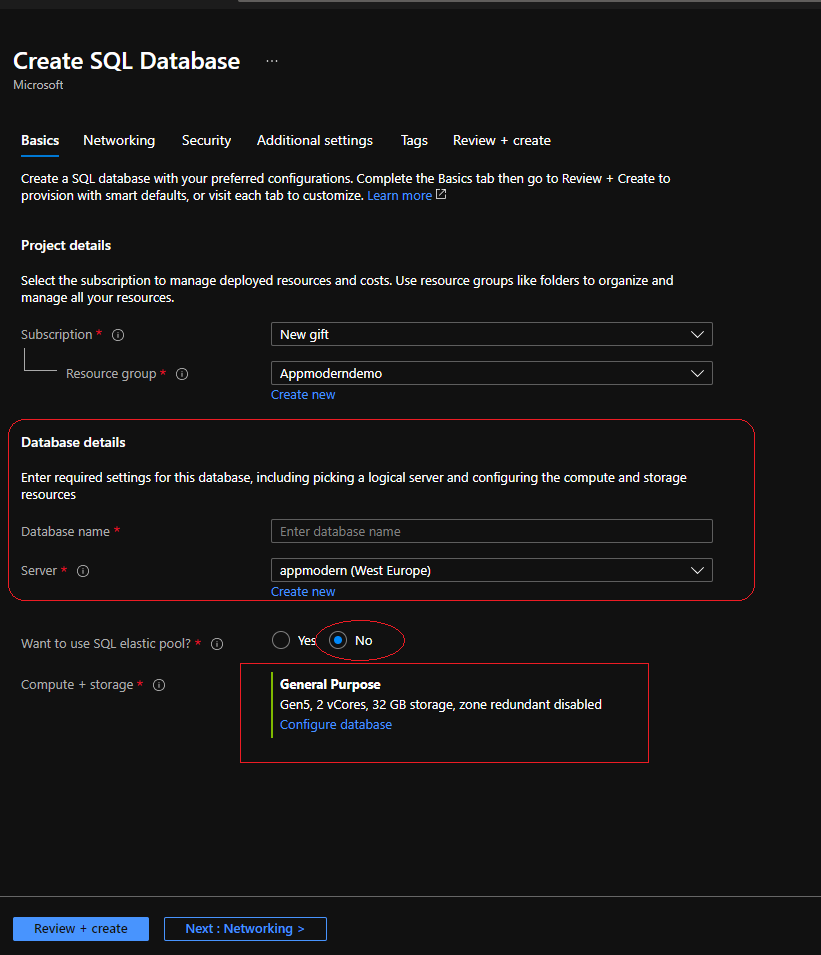
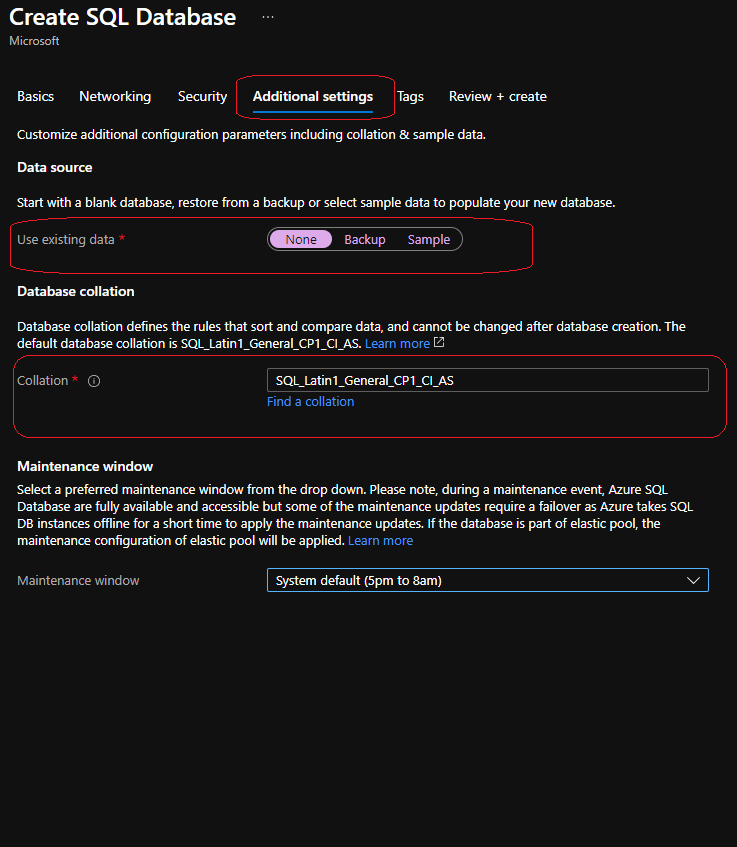
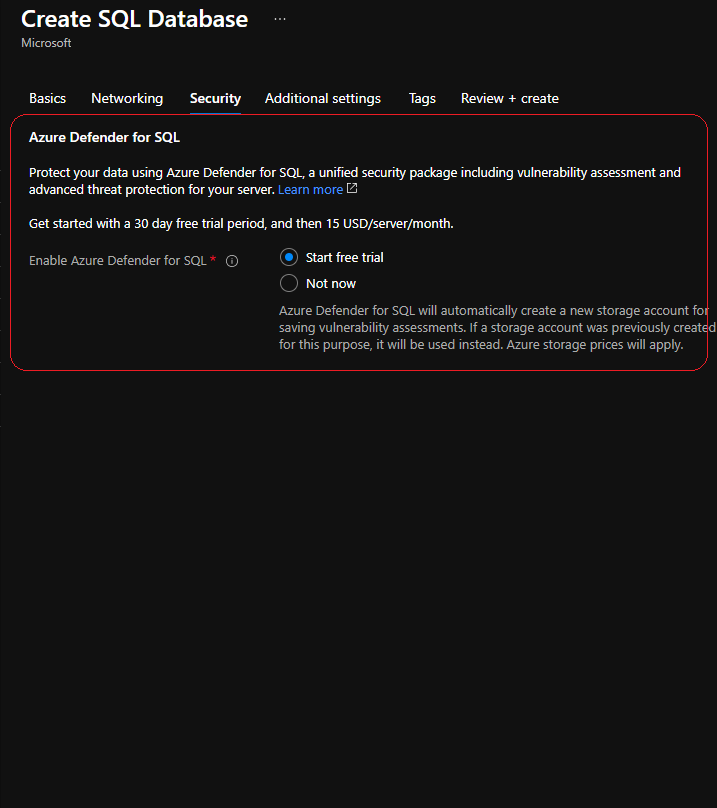
As you can see in the pictures above , we need to give a database name and select an existing server or create a new server. The connection string and credentials will be based on the server.
For our sample we don’t need to have elastic pool .
Elastic pools provide a simple and cost effective solution for managing the performance of multiple databases within a fixed budget. An elastic pool provides compute (eDTUs) and storage resources that are shared between all the databases it contains. Databases within a pool only use the resources they need, when they need them, within configurable limits. The price of a pool is based only on the amount of resources configured and is independent of the number of databases it contains.
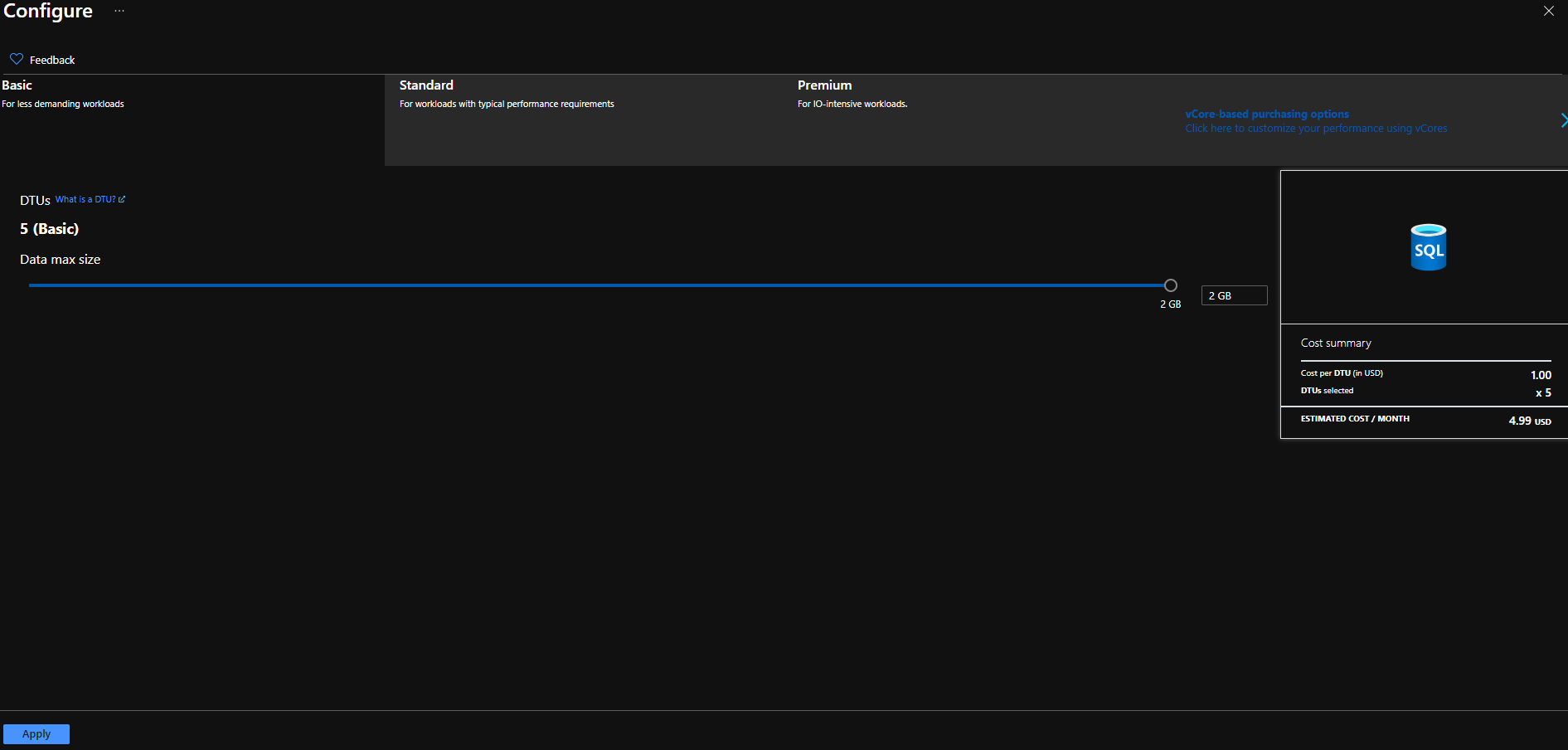
For the Compute and storage we are going to work with the basic plan Which is almost free (4.99 USD/month) .
Data Migration Assistant
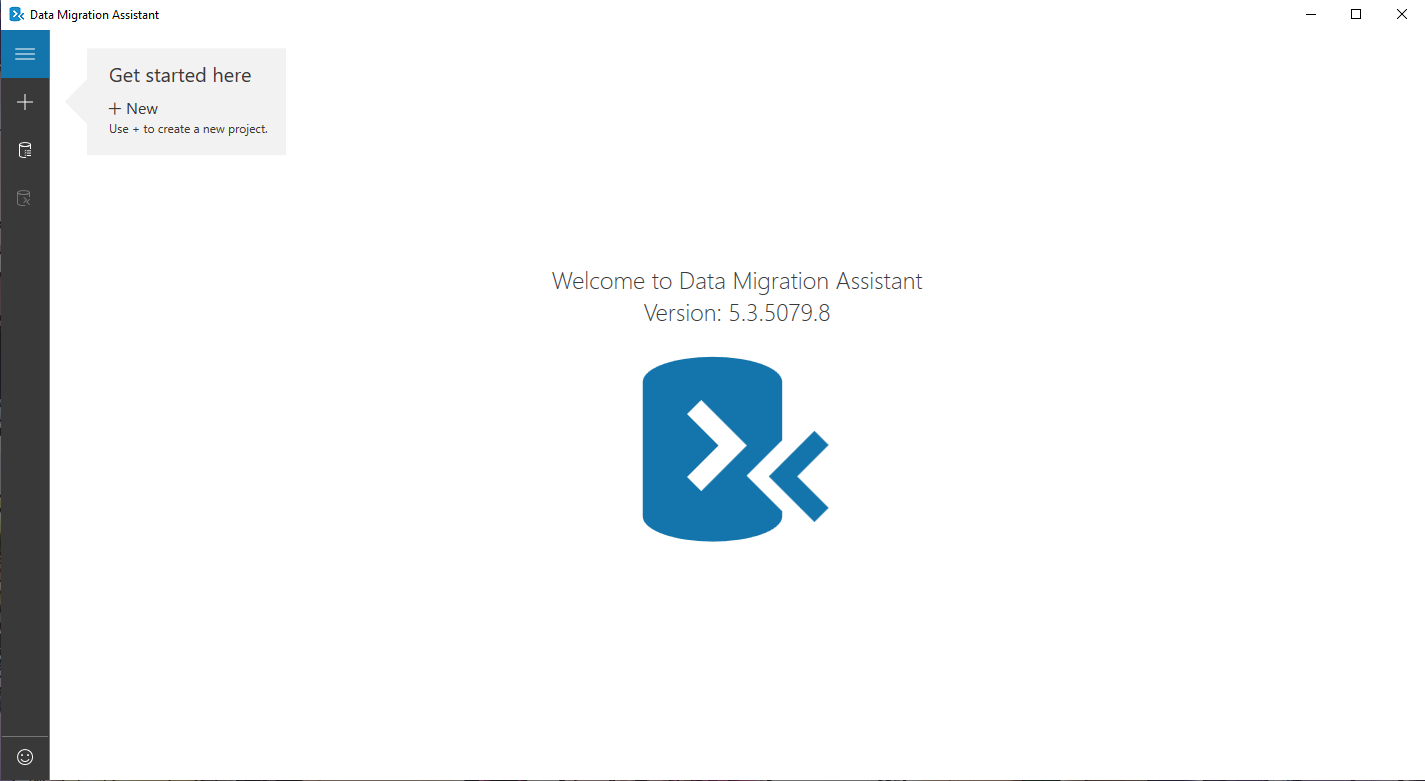
Now , we need to download and install Data Migration Assistant from the official link .
Now in order to start our migration we need to follow a couple of steps .
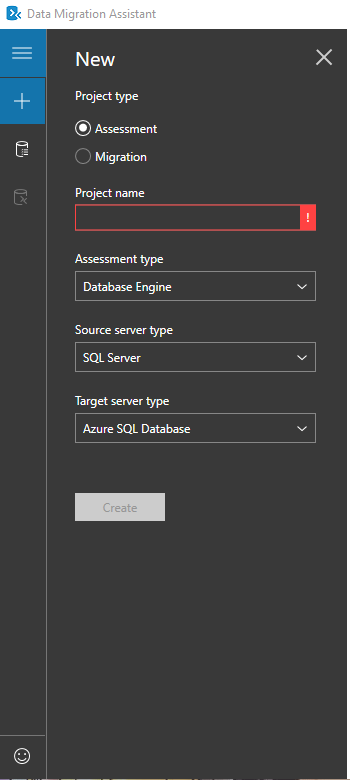
We need to create a new project and give it a name, later we need to choose from where we are migrating to where ,in our case from sql server to azure sql databse as in the picture above .
Later we need to give the connection string from both ,sql server and the azure sql database in order to do the migration .
For more details , you can follow the steps as in the video below .